

Tee Shirts for some Southern California English Country Balls
Instructions
I do not want to be mailing teeshirts out to people, but I am quite happy
for anyone to use my designs to make a teeshirt. (Technically:  My
work is licensed under a Creative Commons Attribution 4.0 International License.)
My
work is licensed under a Creative Commons Attribution 4.0 International License.)
These shirts consist of a list of "crib diagrams", one for each dance on the ball program. A "crib diagram" is a Scottish Country Dance invention which displays each figure of the dance in little boxes arranged sequentially. They can be a bit tricky to read at first, but they become quite useful with familiarity.
I use an internet company called Spreadshirt to print teeshirts, and the instructions herein assume you will use them too. But if you have a local company you'd prefer to use, I expect the process will not be very different. These instructions also assume you are using a computer, and not a phone, to access their site; for some reason the interface is different on a phone and I haven't bothered to figure it out.
These designs are png files which most tee shirt printers will accept. There is one file for the front of the shirt and one for the back. The foreground color is white, and the background is transparent. There are a few uses of shades of grey.
Each image is designed to fill up the printable area of a men's tee shirt from spreadshirt. The front of the shirt has an area which is 13 inches wide, while the back is 12. They print at 200 dpi, so the images have names which end in "-2600" and "-2400" meaning they are, respectively, 13*200 and 12*200 pixels wide.
When you open Spreadshirt you will see a list of icons on the upper left of screen. Choose the one labeled "Product" and you will be asked to choose a shirt style, sex, and color. I've mostly used "men's tee shirt" or "woman's tee shirt", but if you want a hoodie, or tank top go right ahead.
Once you've chosen a shirt style, you'll be asked to pick a background color. My shirts are designed for black background, you can choose a different color, but if you do, I suggest you modify the colors in the images I provide (I'll describe this process later).
The shirt is usually presented with the front ready for editing. There's a list of printable regions at the bottom of the screen, make sure that "Front" is active by clicking on it.
From the icon list on the top left, select "Upload". And then upload the front image (which you should already have downloaded from my site). It will spend some time thinking, and then display the image ask you to confirm that it is what you want. Do so.
Now you should be back at the shirt editing page with the image displayed in the middle of the shirt. But too small. Drag the bottom right corner to expand the design so that it covers the printable region. After you've done that you may want to adjust the vertical placement of the design: click in the middle of the design and drag it around until you are happy.
And we proceed to the back. Look at the row of icons at the bottom and click "Back". You should now see the back side of the shirt (empty of design), ready for you to go through the whole process again to upload and scale the image for the back.
Finally press the button on the bottom right: [Choose size & quantity] and you'll be asked how many of each size you want. Then [Add to Cart] and proceed to check out.
Colors other than black
My designs expect a black background, but you can print them on other color shirts if you are willing to do a little fiddling with the images I provide.
The simplest case is a white background: open the images I provide in Photoshop, or Gimp, or whatever image manipulation program you prefer, and invert the color table (so white becomes black, and black white, and a light grey becomes a dark grey).
As I write this, the images contain three colors: white, medium grey, and a very dark grey which is almost, but not quite indistinguishable from black (and transparent, which isn't exactly a color). In the rare case of a dance involving trios, rather than couples, you will also find light grey and black. If you want to use a different background color, you'll want to pick new colors which have the same effect on the new background as these do on black. If the background is dark enough you may be able to get away with using the images unchanged (or light enough, you may be able to use the simple white transformation).
But if you want something else, the easiest thing to do (as there aren't many colors) is convert the images to an indexed color, and edit the color table directly.
Designs
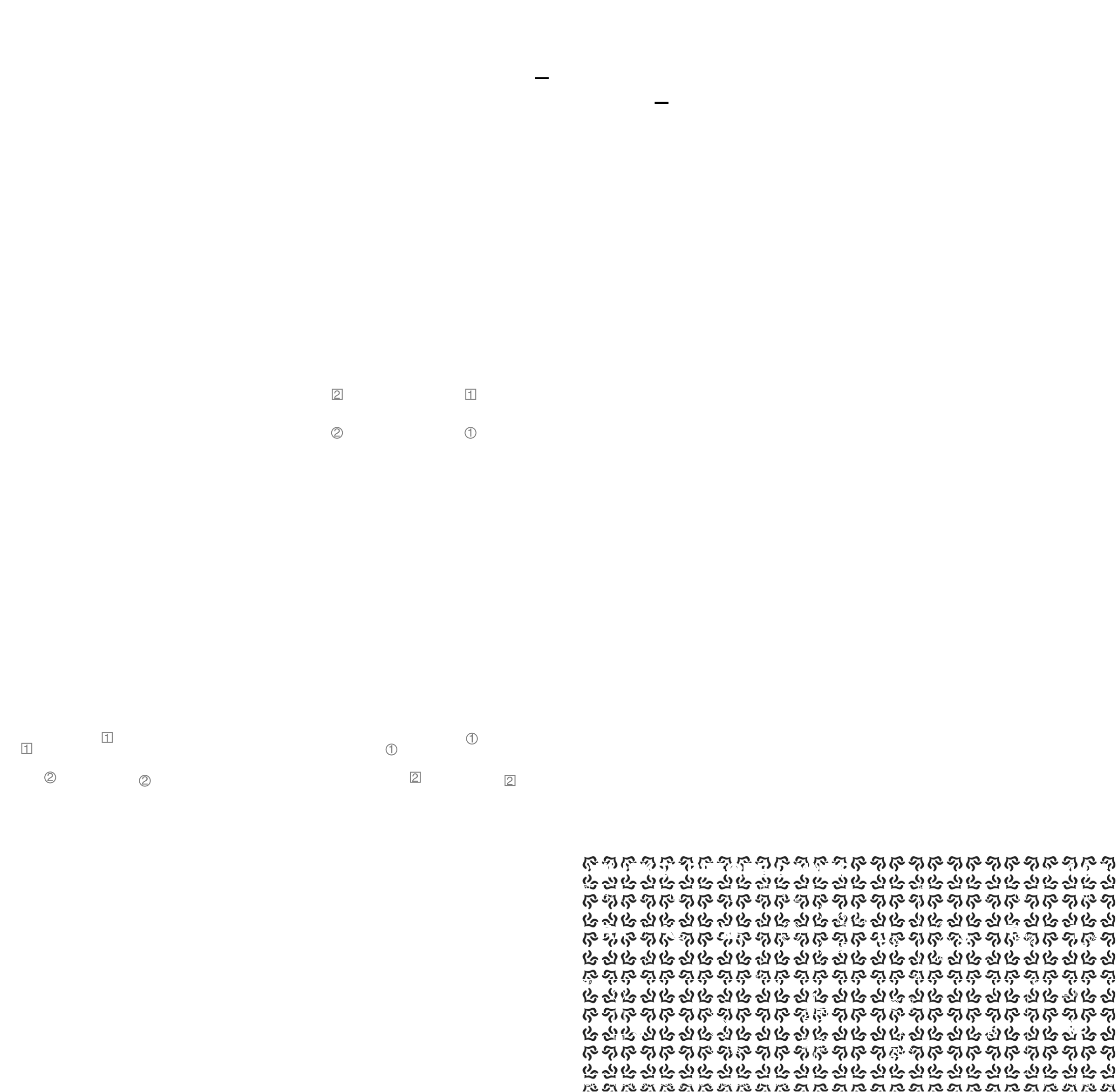
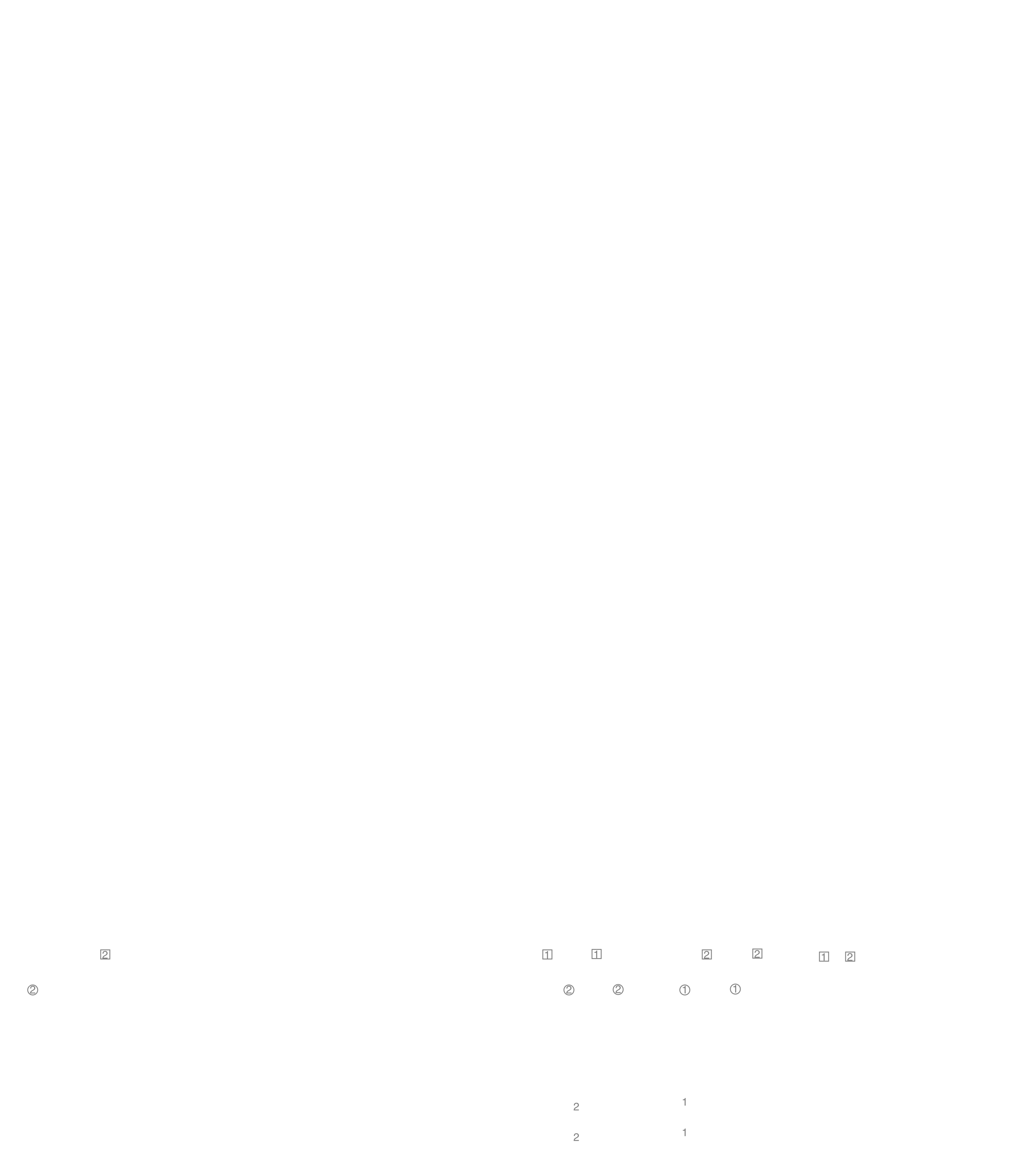
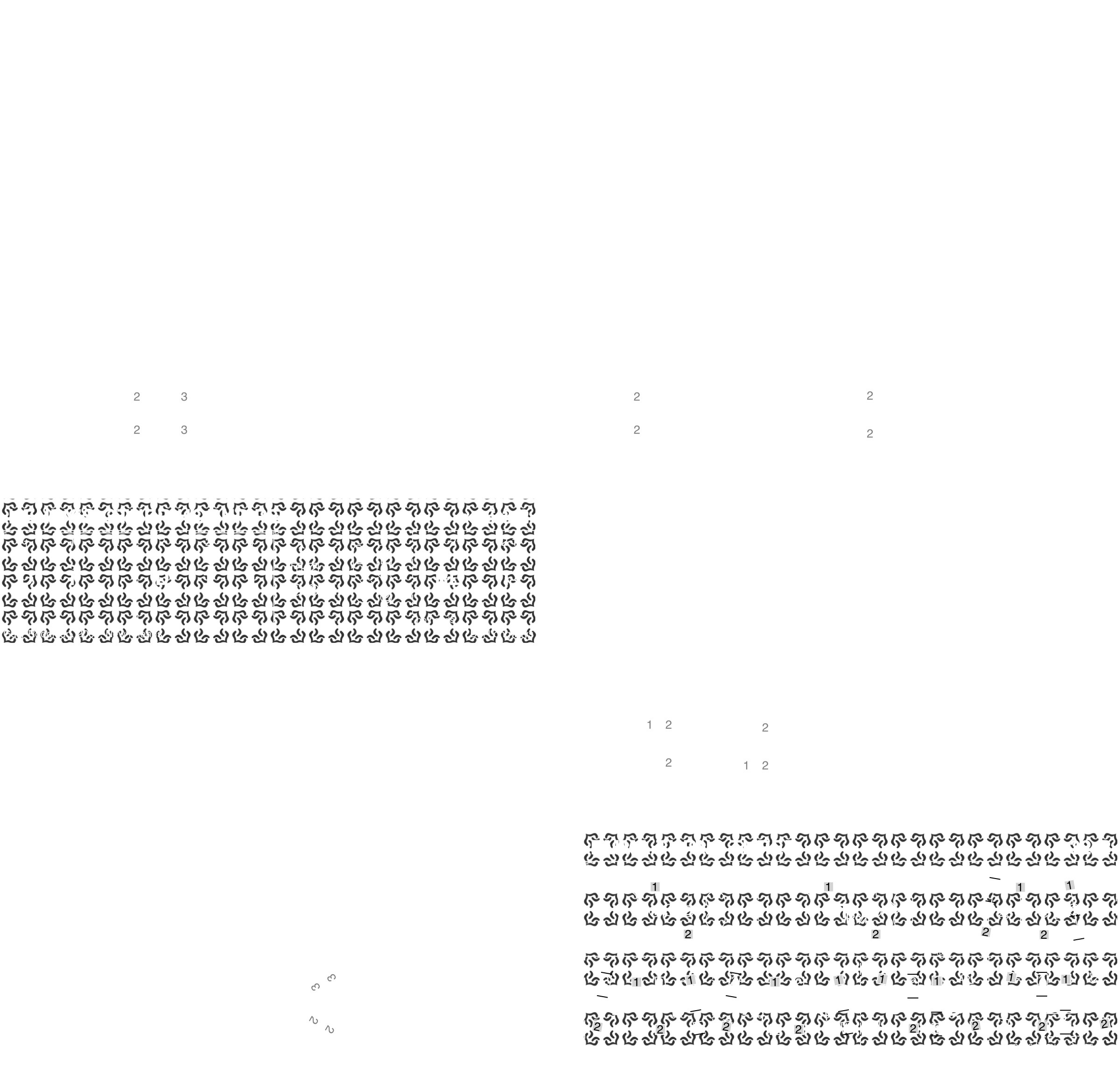
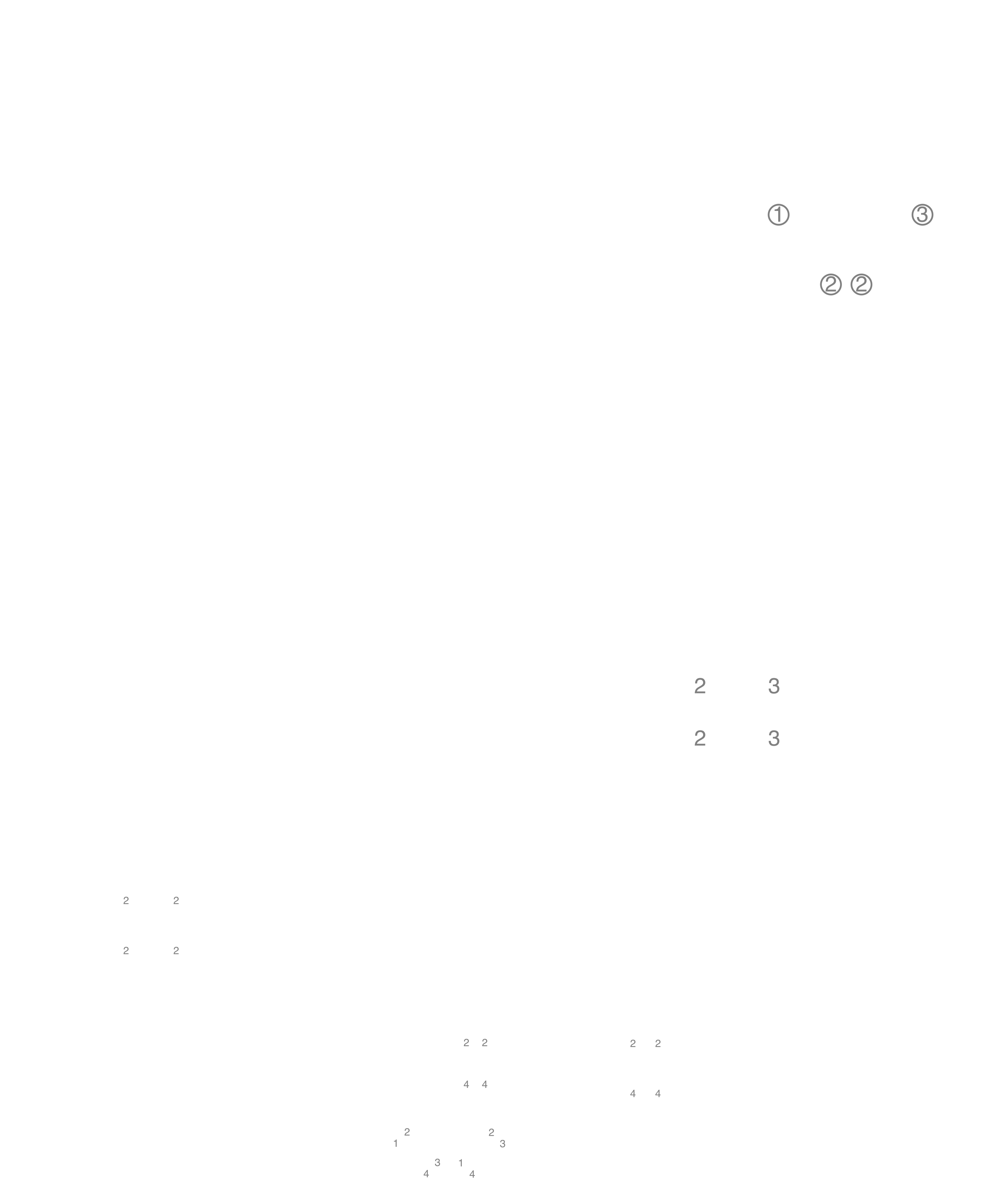
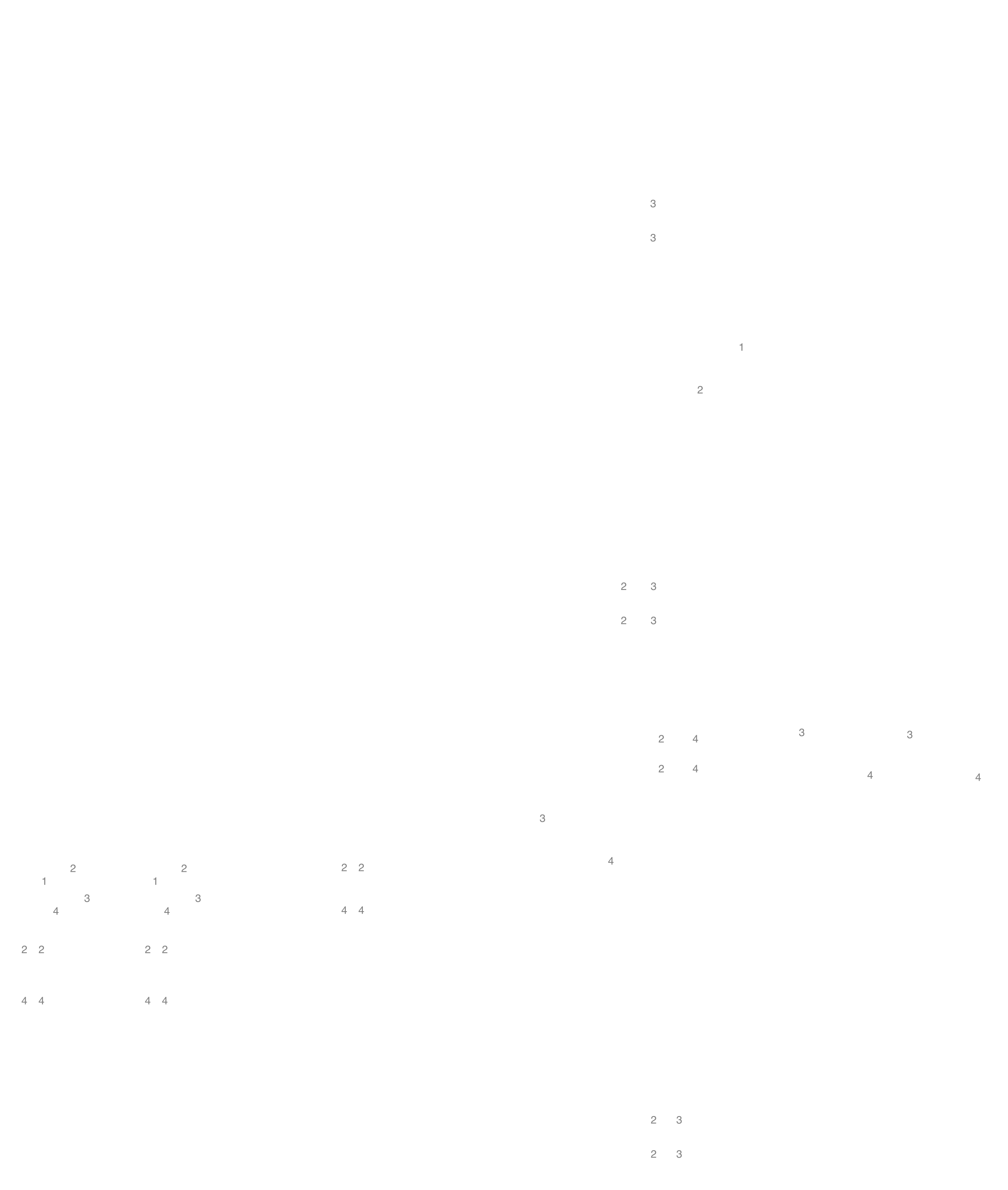
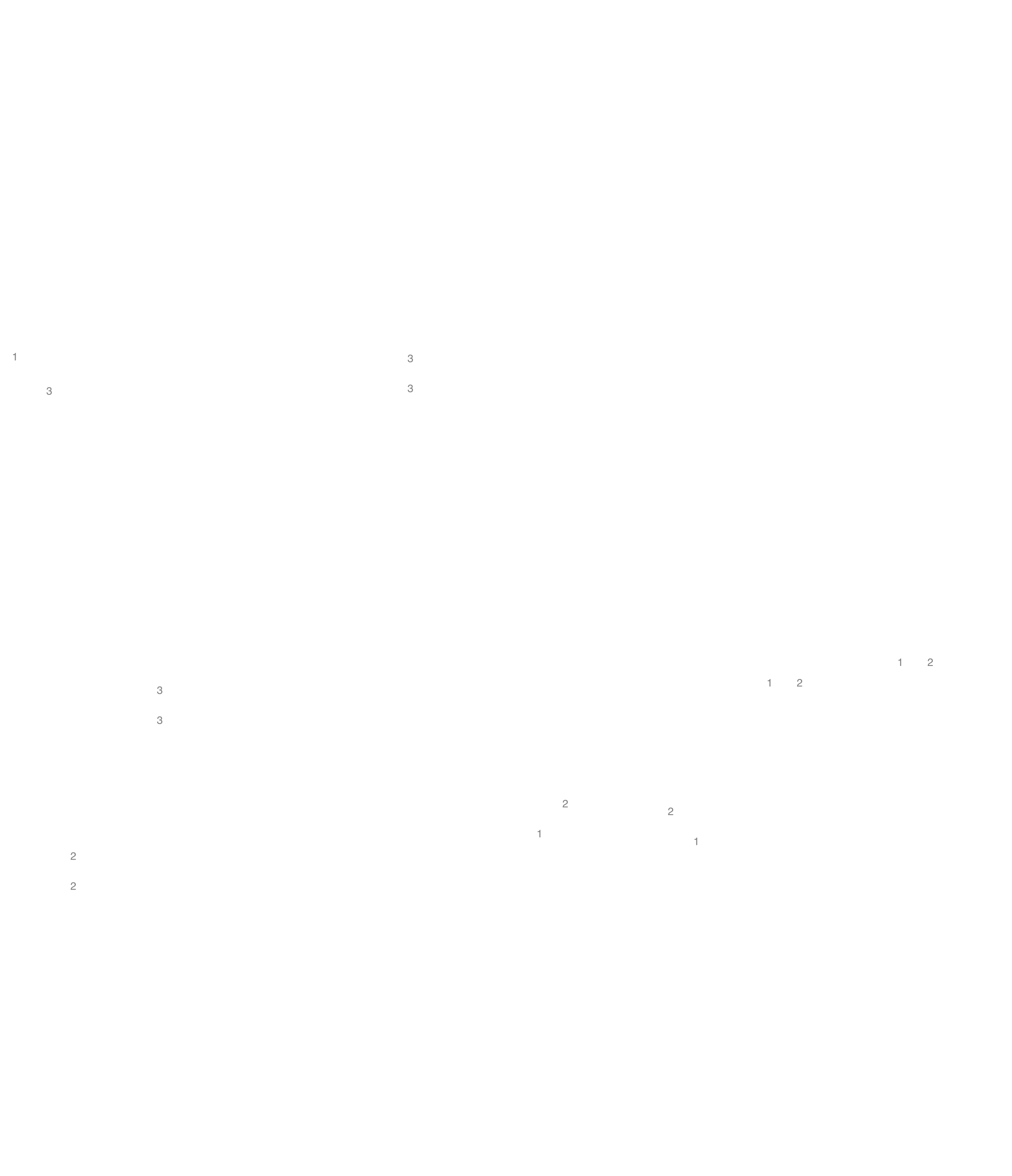
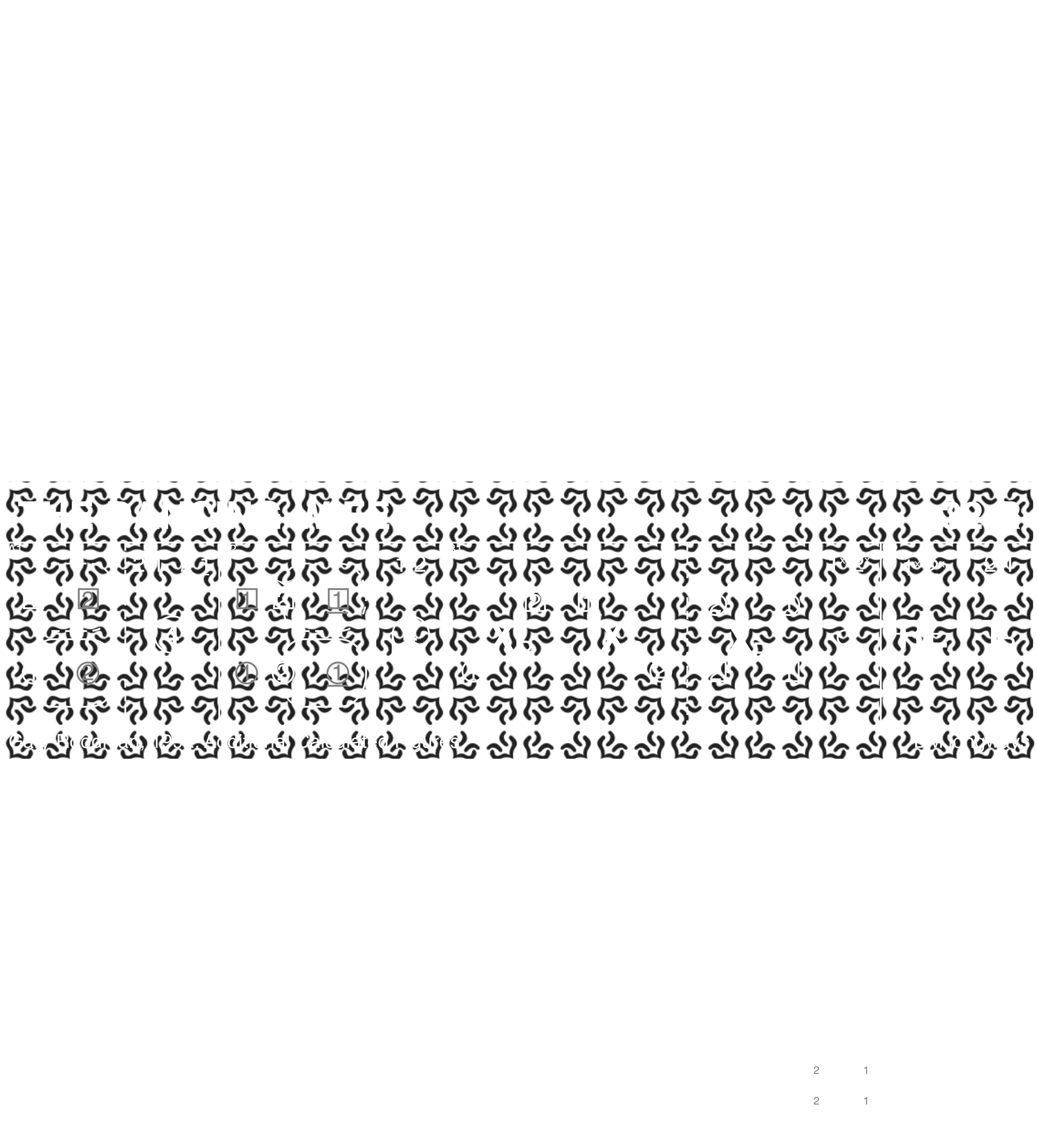
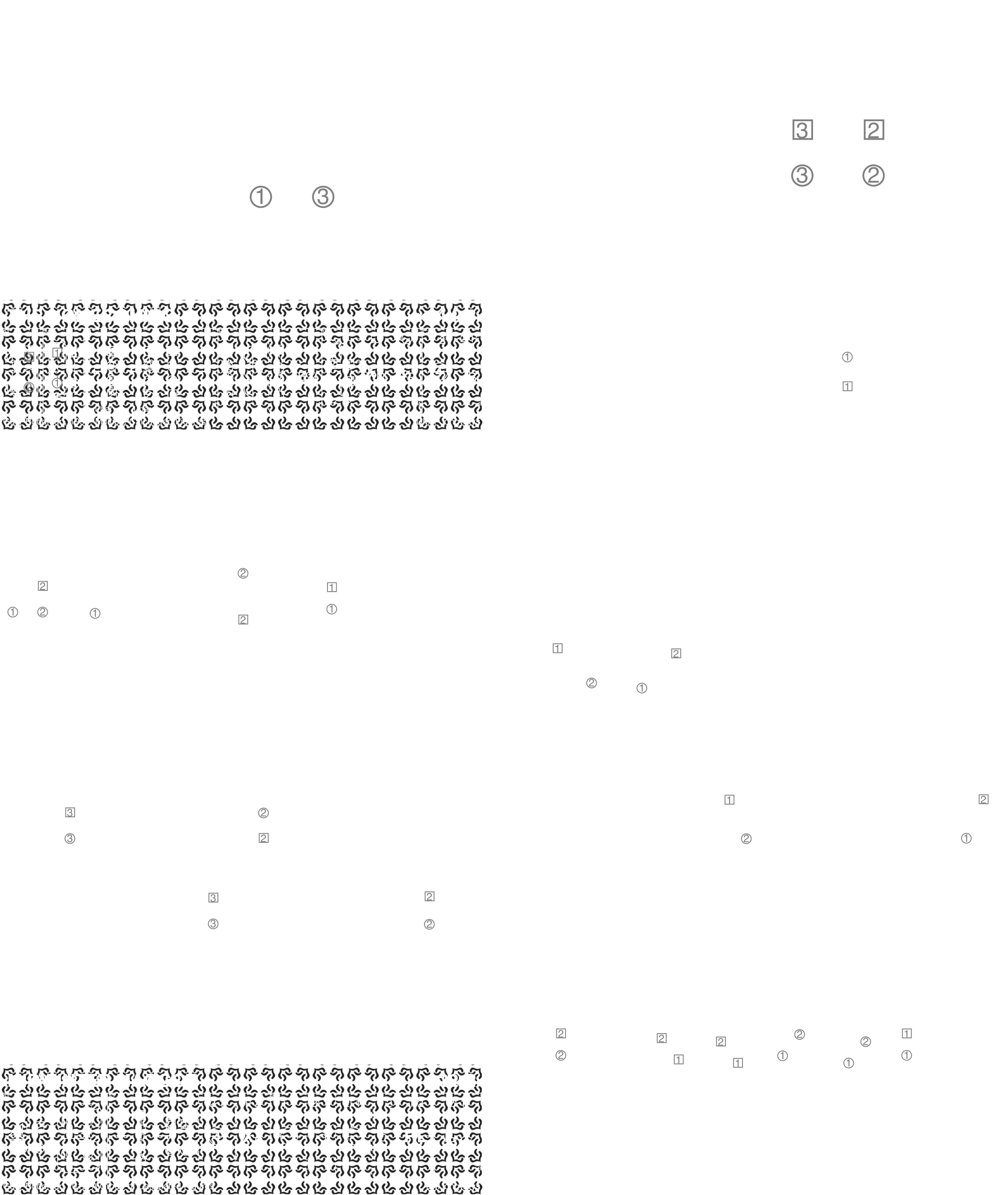
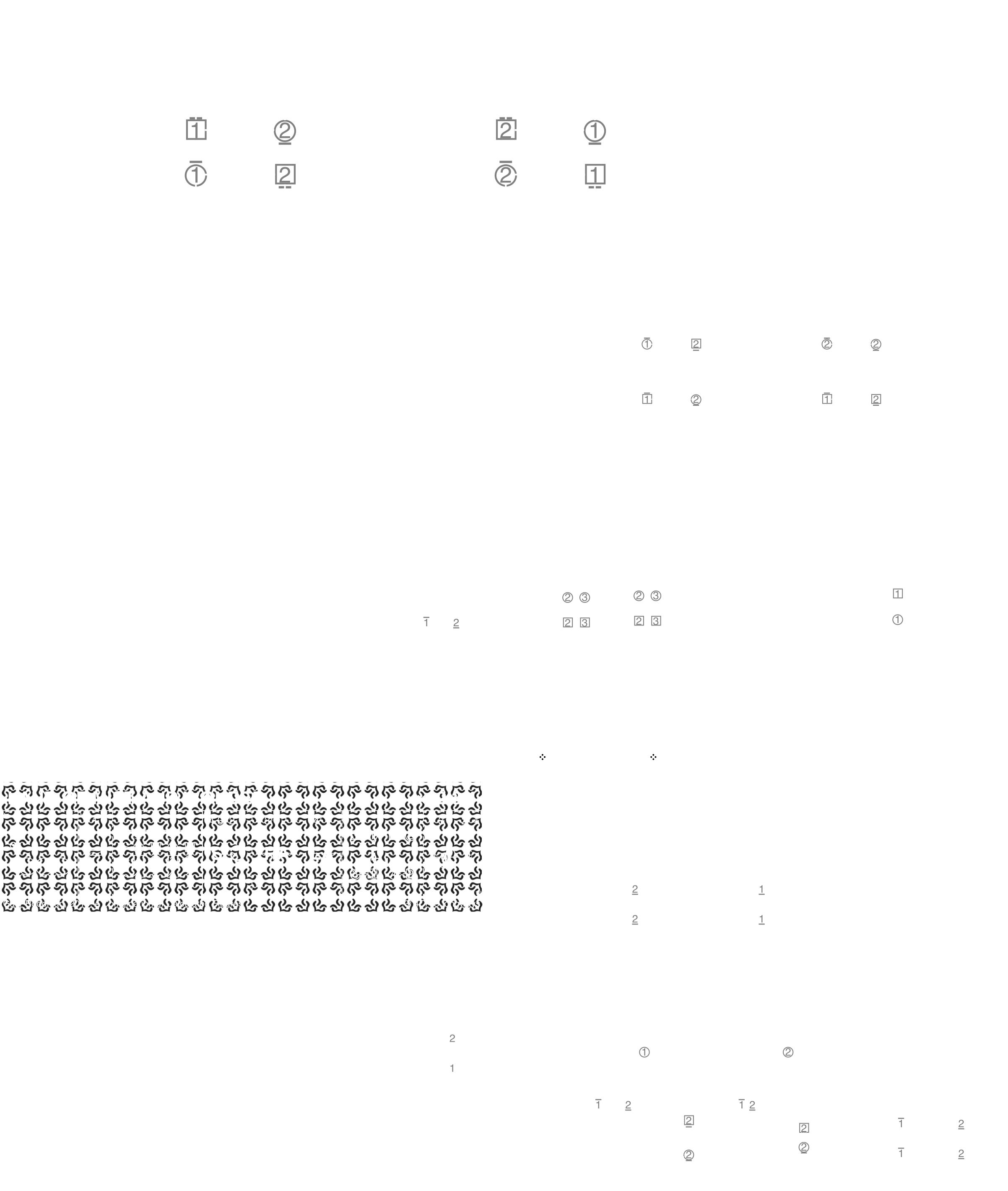
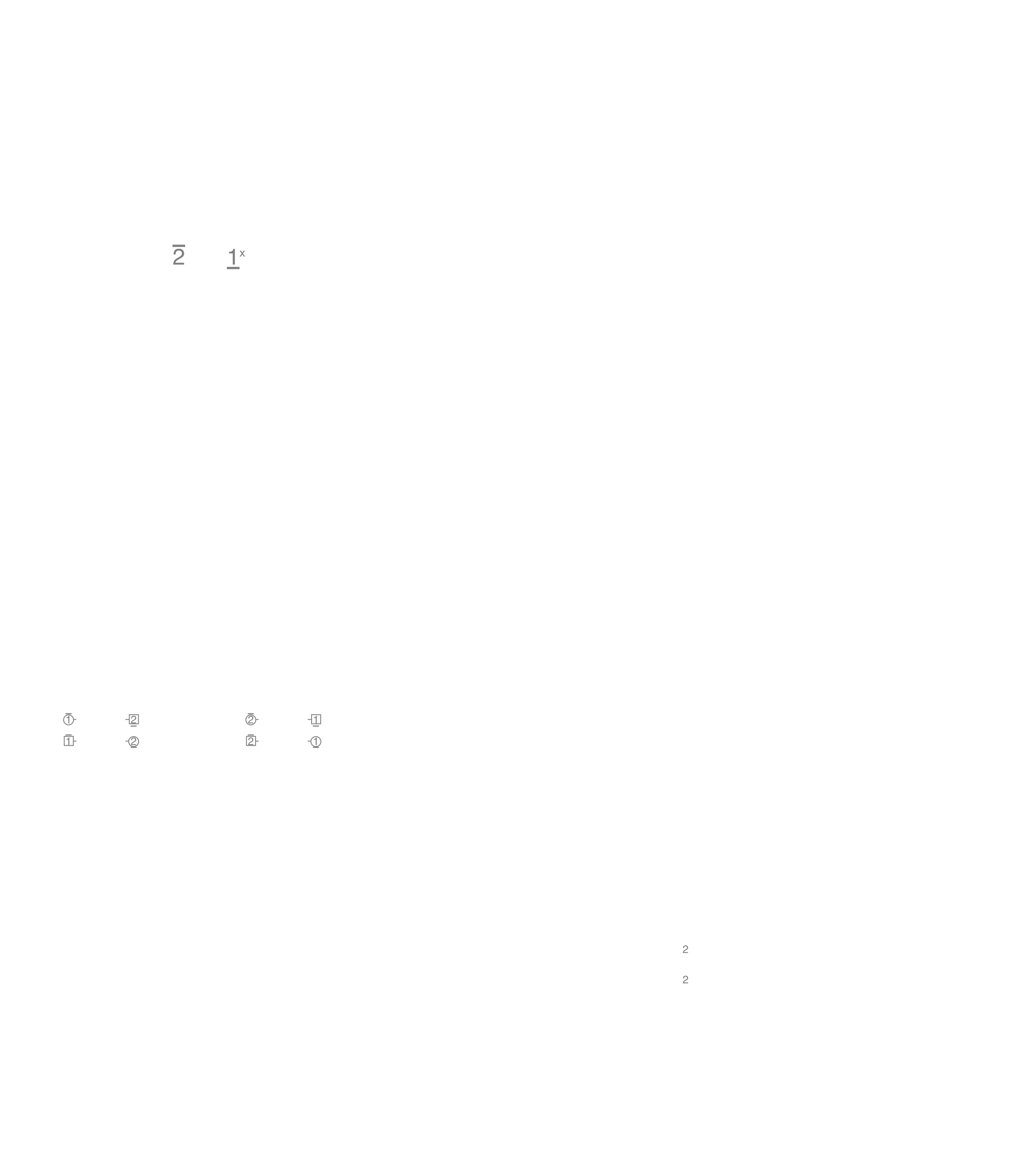
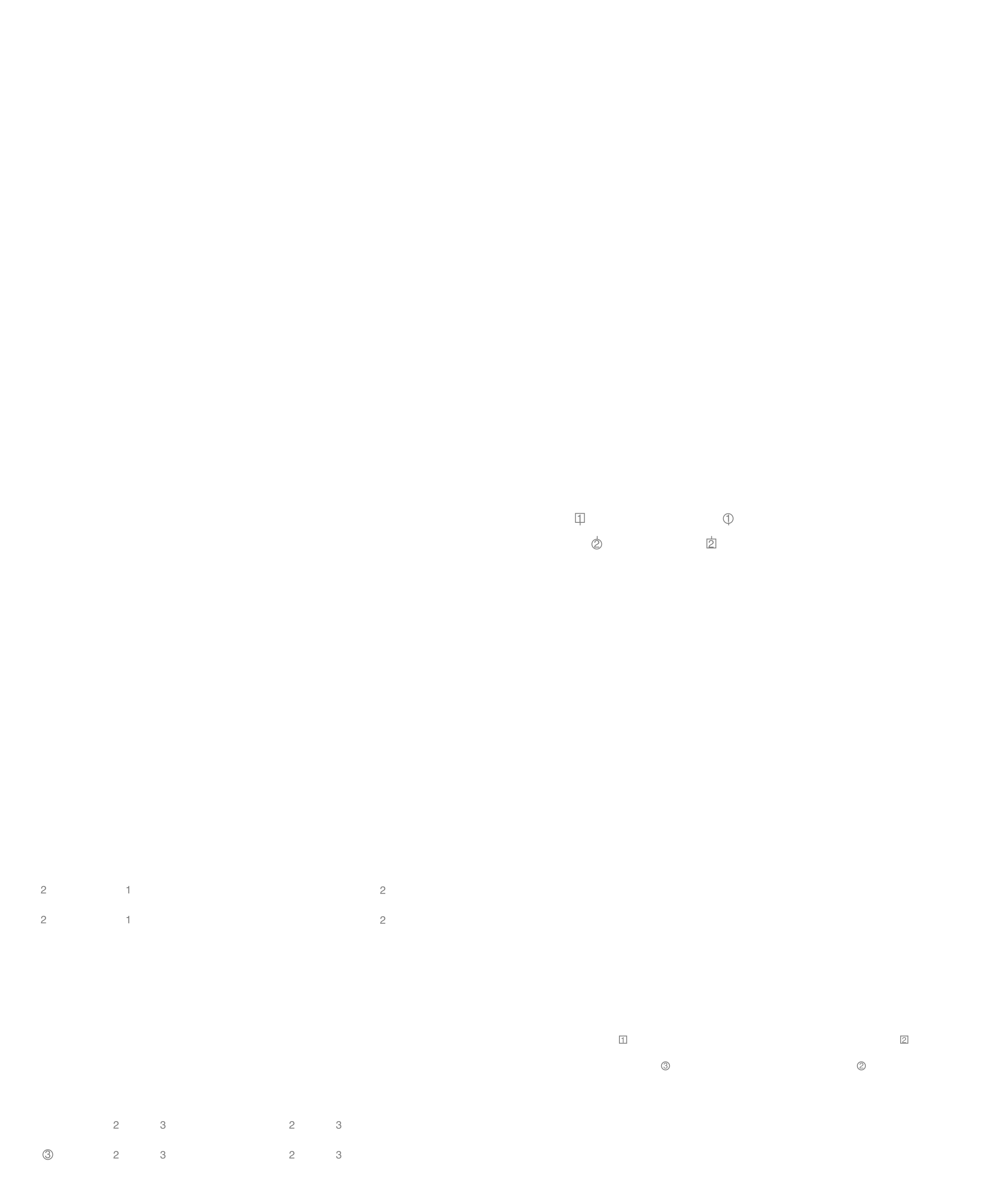
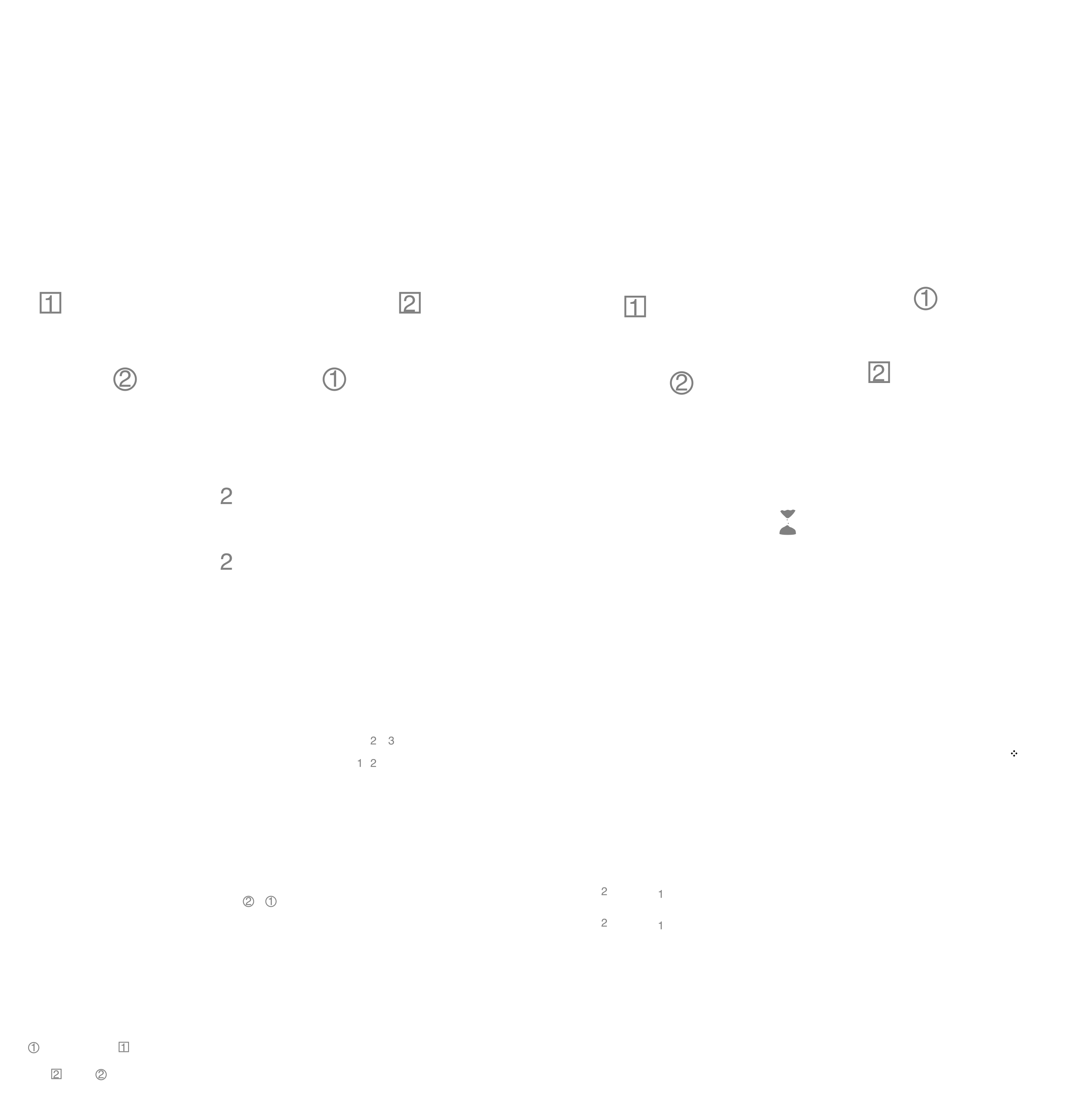
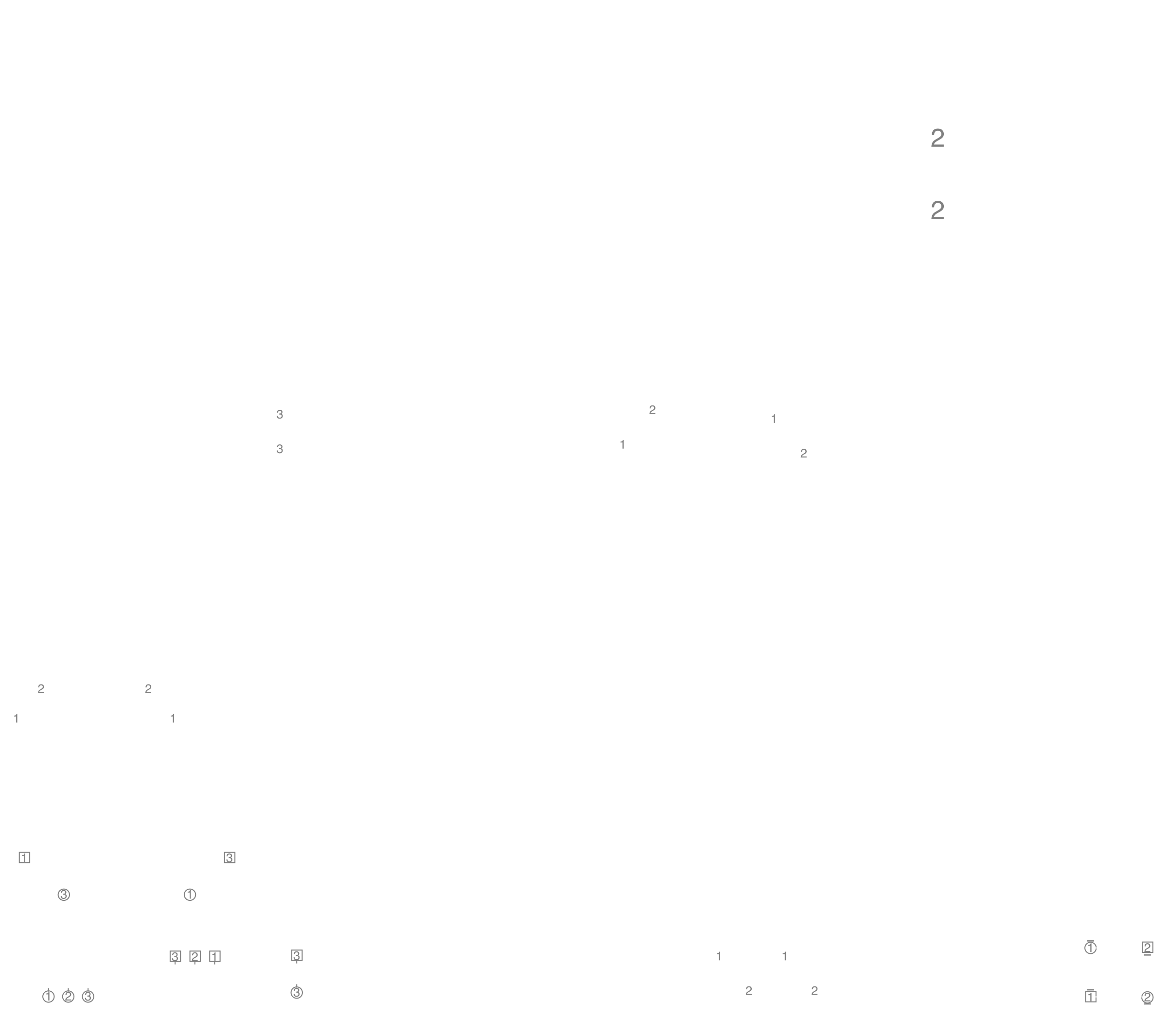
Crib diagrams inspired by Keith Rose, for Playford style dances I have added a few extra symbols.
I have some other teeshirt designs for different styles of dance, mostly modern western square dancing, but with a few rather random other styles thrown in.
This website is copyright © 2021-2026 by George W. Williams V My work is licensed under a Creative Commons Attribution 4.0 International License. Most of the dances have more restrictive licensing, see my notes on copyright, the individual dance pages should mention when some rights are waived.